![]() |
||
|
Grid View |
||
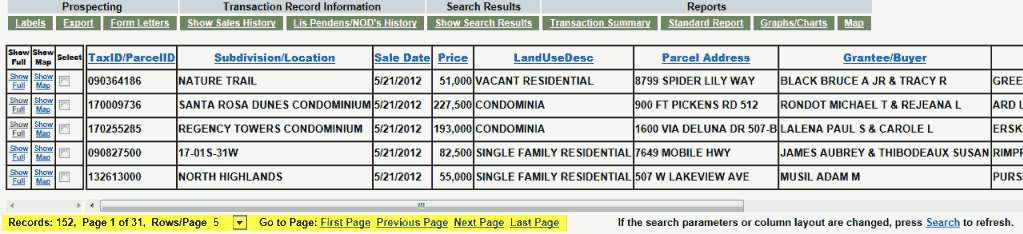
| After you've selected Search, the results will display in grid-view. | ||
![]() |
||
|
Number of Records Displayed |
||
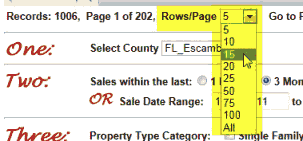
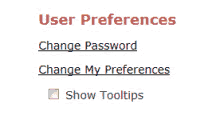
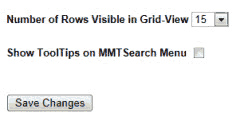
| The total number of records found matching your search criteria displays on the bottom-left of grid-view. The number of pages required to display your search results in grid-view is based on the number of Rows/Page you choose. This user-defined number can be changed from the drop down menu. The default number of Rows/Page is based on your preference setting from the Main Menu. | ||
![]() |
||
![]() |
||
![]() |
![]() |
|
|
Sorting Records |
||
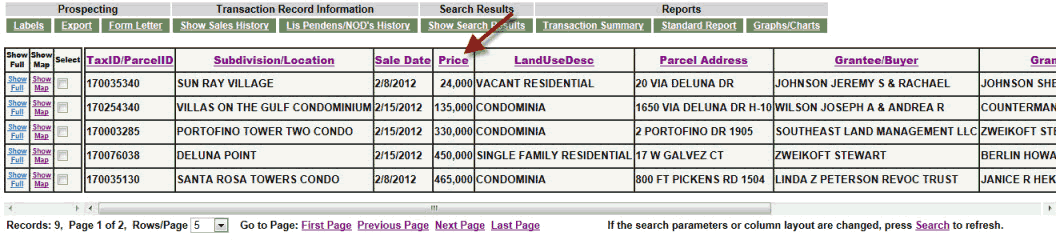
| The search results can be sorted by any column displayed in Grid-View by simply clicking on the column header. The first click sorts the results in ascending order. The second click sorts the results in descending order. In the screen below the records have been sorted by Price in ascending order. NOTE: clicking the column header sorts ALL records in the search results data base, not just the records currently displayed on-screen. | ||
![]() |
||
|
Selecting Individual Records |
||
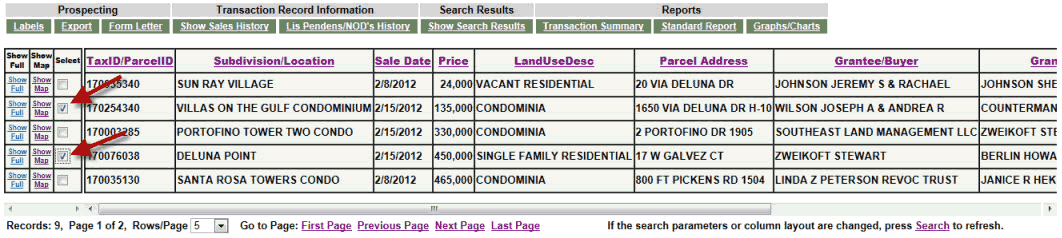
Individual records may be selected by clicking in the check box. If any record(s) is selected, then only this will be used for output such as reports or mailing labels. If you do not select individual records, the system assumes you want to use ALL records in Grid-View for output of reports, mailing labels, etc. NOTE: The Select checkbox can only be used on multiple records if they display on the same page in Grid-View. If your selected records display across multiple page in Grid-View you will need to increase the Number of Records Displayed or refine your search criteria to reduce the search results per page. |
||
![]() |
||
|
Column Layout |
||
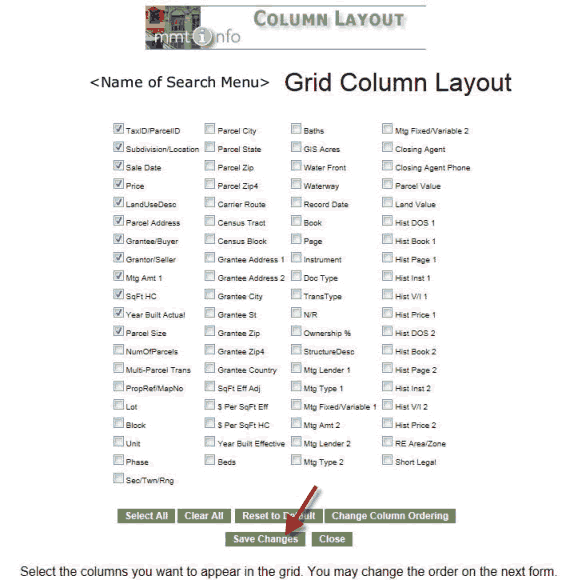
| Column layout is used to add, change or delete data columns that appear in Grid-View. You can also order in which the data columns appear. By default, only some of the available data columns display in Grid-View and are indicated with a check mark. Once you make all your changes, you must select Save Changes. |
||
![]() |
||
![]() |
||
![]() |
||
![]() |
||
|
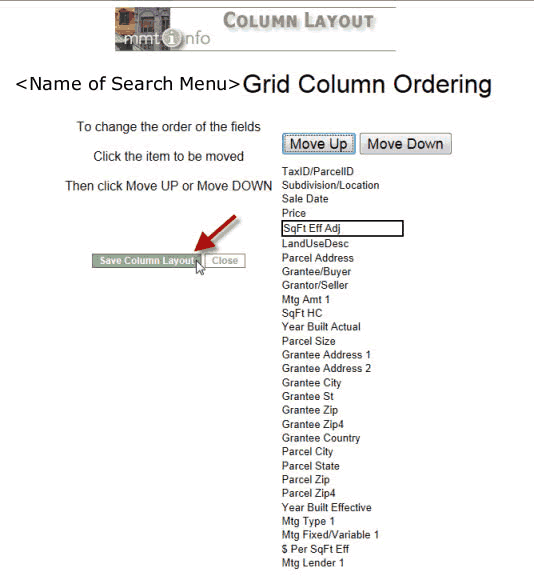
You can rearrange the order in which data columns appear in Grid-View by selecting a column header and clicking on the Move Up or Move Down button. To keep your changes select Save Column Layout. To exit without keeping the changes, select Close. |
||
![]() |
||